Create and launch your first campaign
Before you start
Prepare a mailing list with subscribers, an authenticated sending domain, and a template or a design you can build from scratch.
Create the campaign
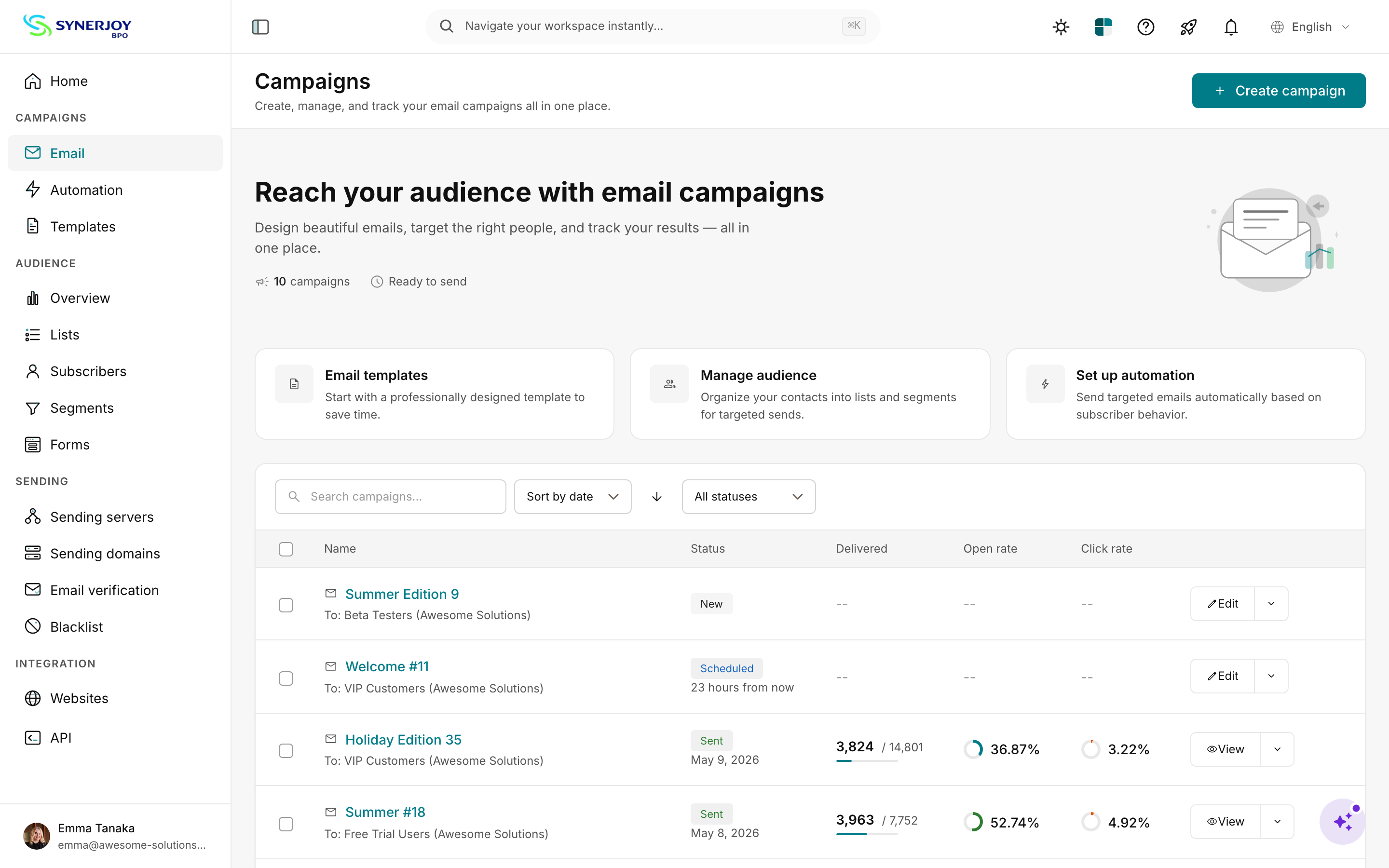
- Open Campaigns → New campaign. Choose Standard for a one-time send. Other campaign types may include A/B test, RSS-driven, and automation-triggered.
- Select the mailing list and optionally a segment. For a new sending domain, start with a small, engaged segment.
- Enter your subject, preheader, From name and address, and a monitored Reply-to address. Type
{{to look for available merge tags. - Choose a saved or Gallery template, or start from scratch. Preview the email and check the links and unsubscribe footer.
- Send immediately or select a date and time. Check the account timezone before scheduling.
- Review the subject, recipient count, template, and schedule, then click Launch.
Monitor the send
Use the tracking and bounce logs to investigate dispatch or delivery failures. Open and click counts can keep changing for days. See the campaign report guide for the calculation behind each metric.
Troubleshoot the wizard
- Zero subscribers: check the list and segment and import subscribers if needed.
- Wrong recipient count: reopen Recipients and review the segment rules.
- Wrong schedule: check Settings → Account → Timezone.
- Launch is disabled: look for missing required fields, especially the subject.
- Builder fails mid-edit: save what you can, reload, and reopen the builder.
Test and refine
For a large list, compare a direct subject such as “Spring sale: 20% off this week” with a curiosity-driven subject. If your version supports automatic winner selection, configure the sample, evaluation time, and winning metric before launch. Treat opens as directional and consider clicks or conversions when those better match your goal.
Start a new sender with engaged subscribers and expand after reviewing bounces and complaints. Use a schedule that suits the audience, from daily updates to monthly newsletters or event-triggered messages. For programmatic workflows, start with the REST API guide.